 MyMoodMapp
 › Guides
MyMoodMapp guides
Short videos straight from the app, with every step written out: check in, watch your world grow, see what moves your mood, share a world with your family or partner, run a group check-in, and wind down at night.
Getting started
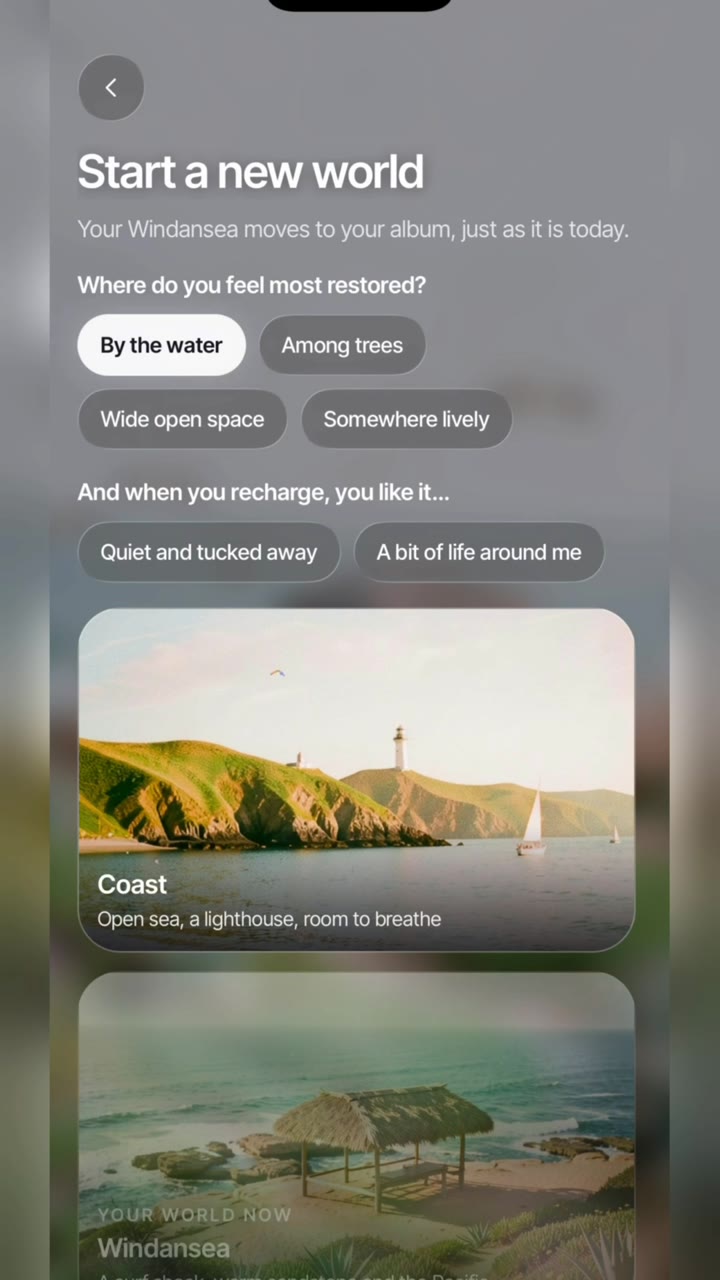
 Getting startedAnswer two quick questions, pick the world MyMoodMapp recommends, and watch it painted for you.▶ Video · 0:31
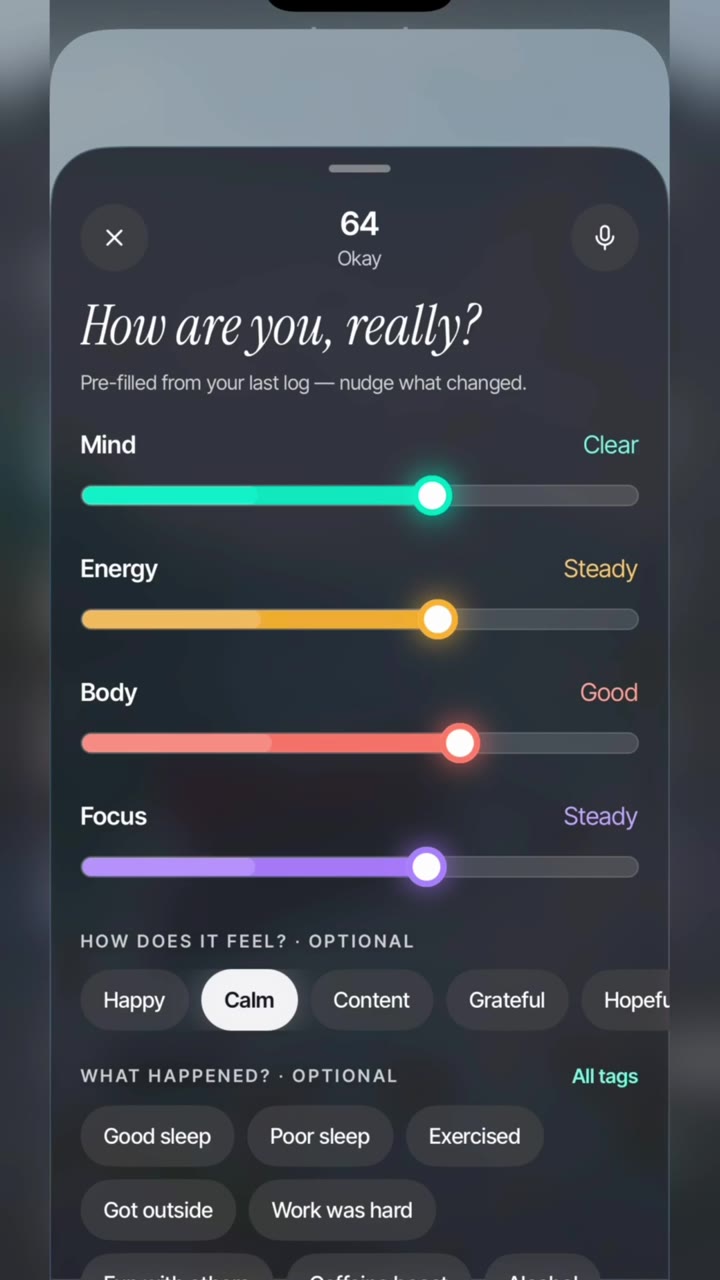
 Check inA check-in takes about three seconds: four sliders, a word, a tag if you like, then Paint today.▶ Video · 0:35

 Watch your world growWhat you tag decides what appears in your painted world, and every find stays put.▶ Video · 0:27
Understand your mood
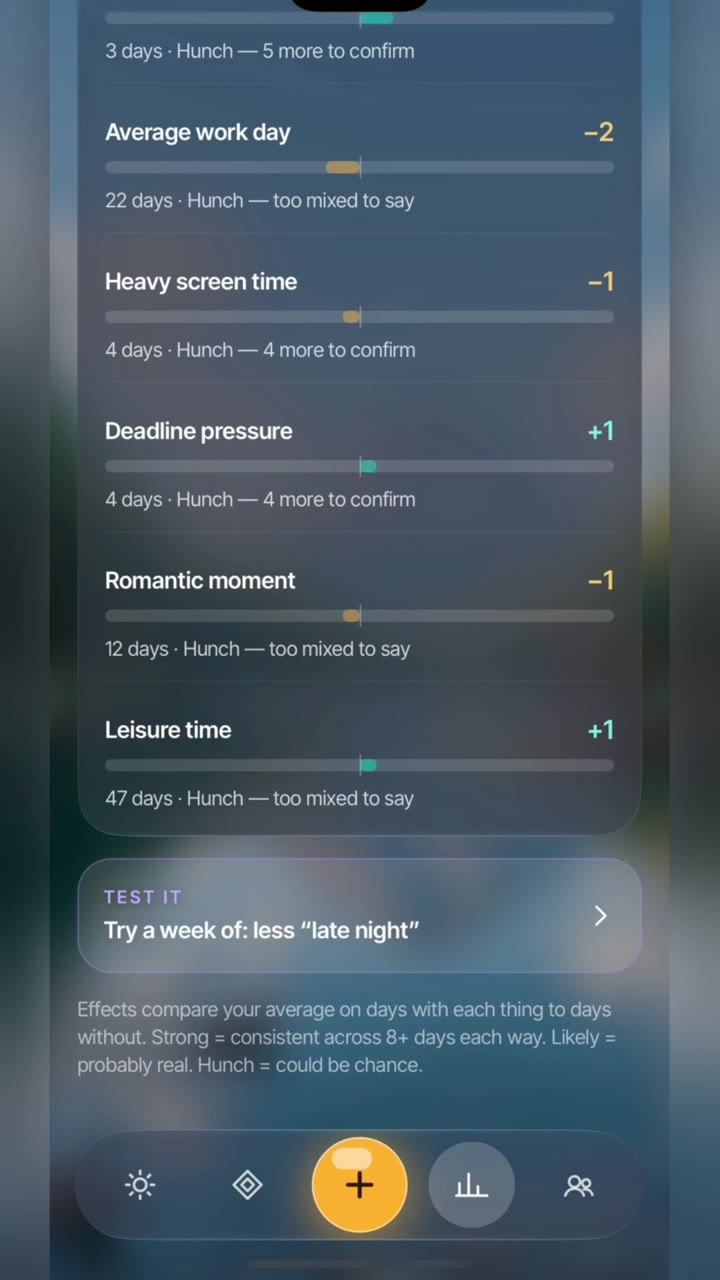
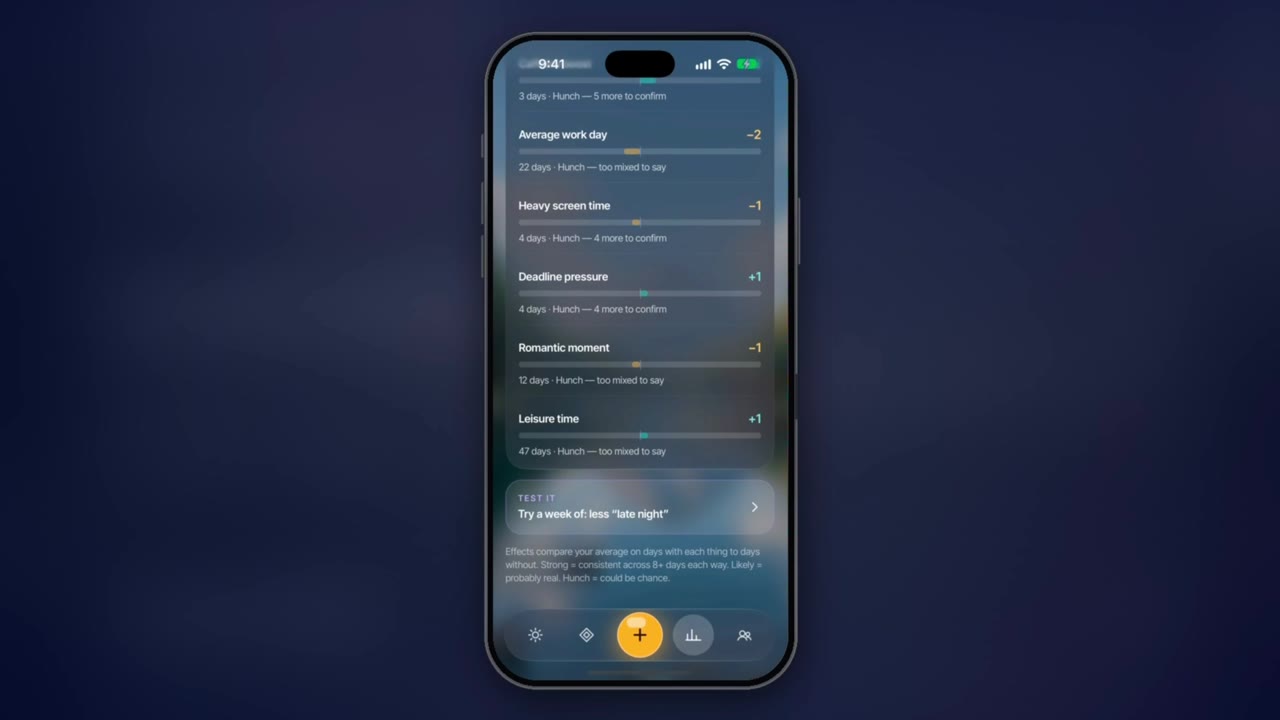 Learn what moves youThe Learn tab shows what lifts and drags your days, from your own check-ins, and lets you test a change for a week.▶ Video · 0:24
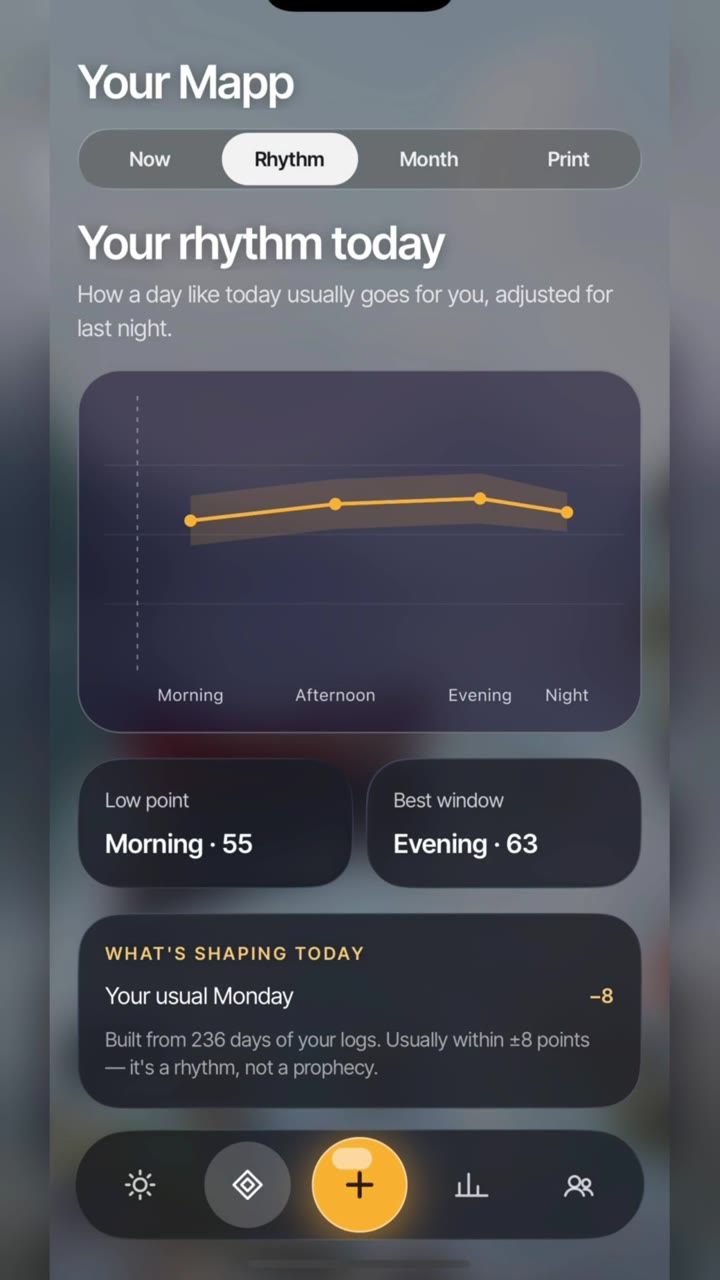
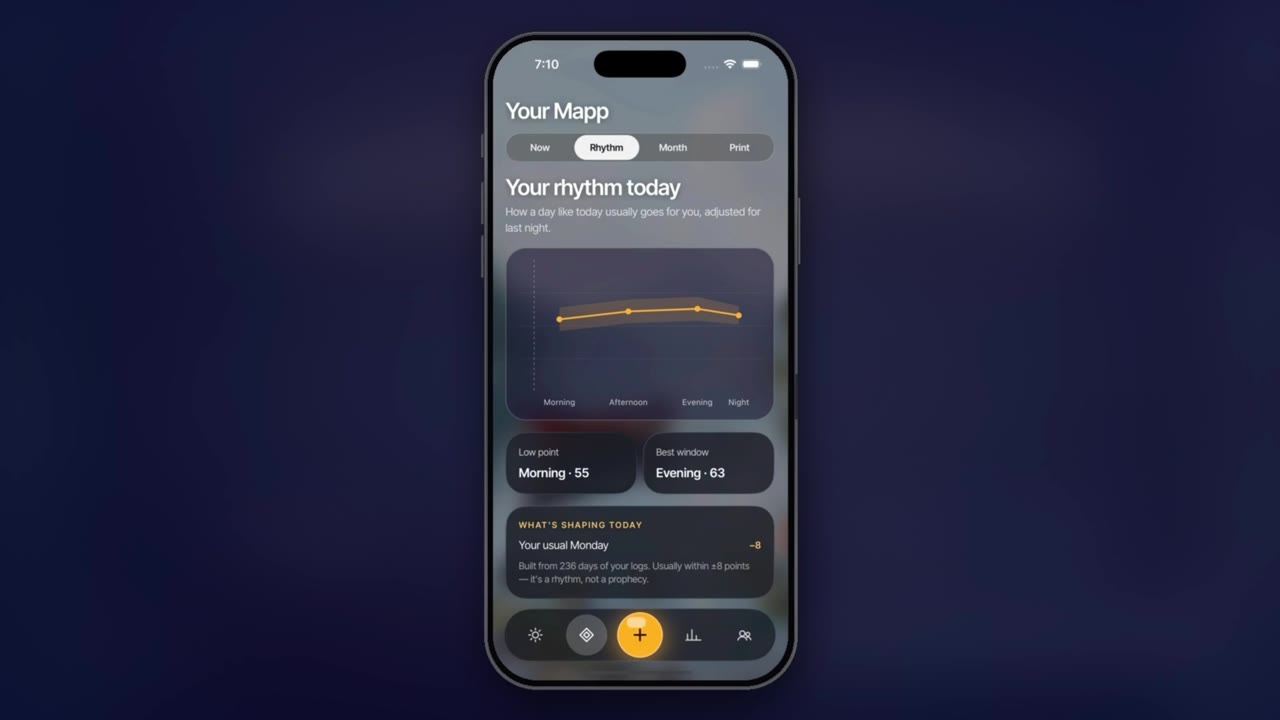 Your MappNow, Rhythm, Month and Print: four ways to see your mood over time.▶ Video · 0:24
Together
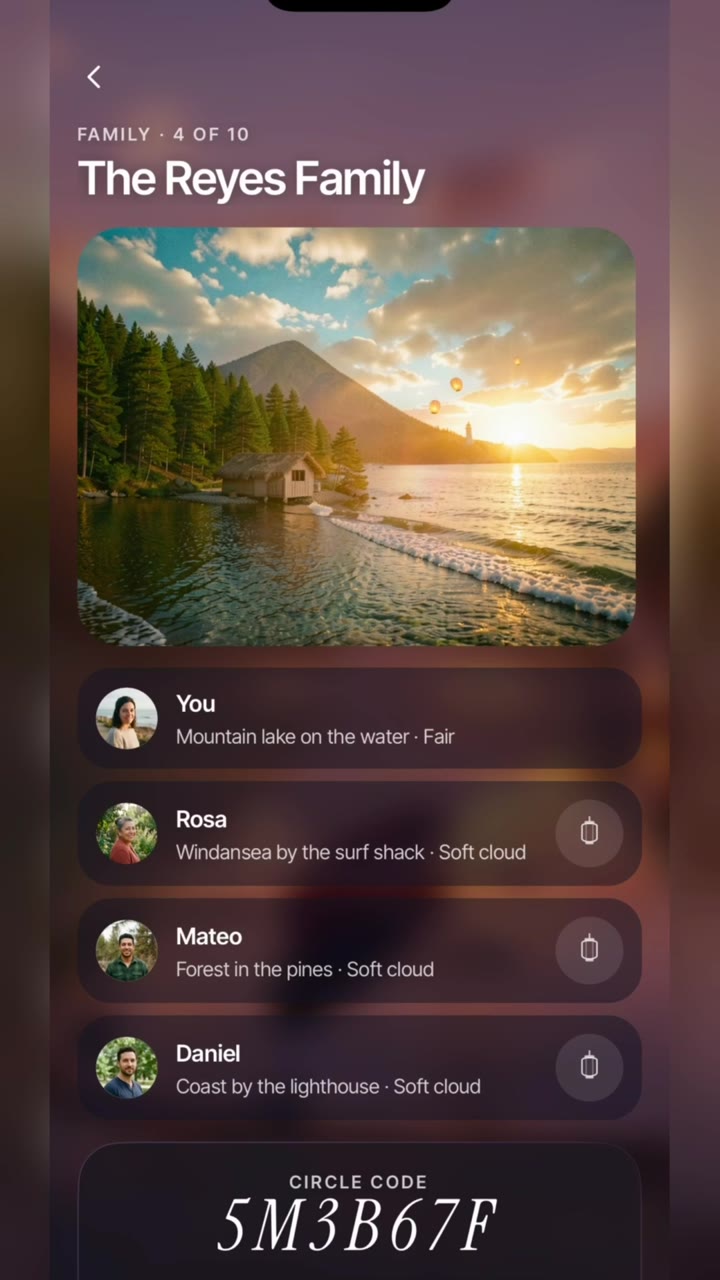
 Family and friends circlesSee how your people are in one shared painted world, without anyone sharing a number.▶ Video · 0:28
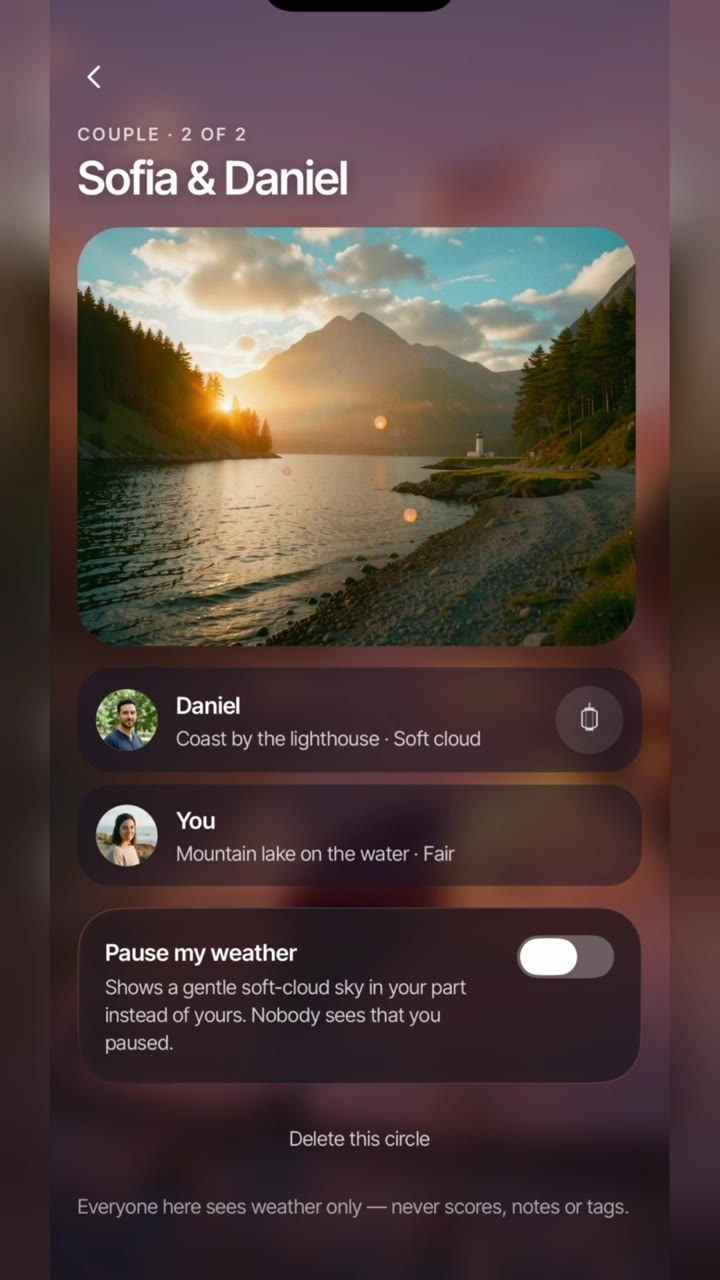
 CouplesA couple circle blends your two worlds into one place, and you can fall asleep to the same sounds.▶ Video · 0:21

 Group check-in for leadersFor support groups and their leaders with Therapist Pro: members check in before the session, and you see every answer first.▶ Video · 0:26
Night and settings
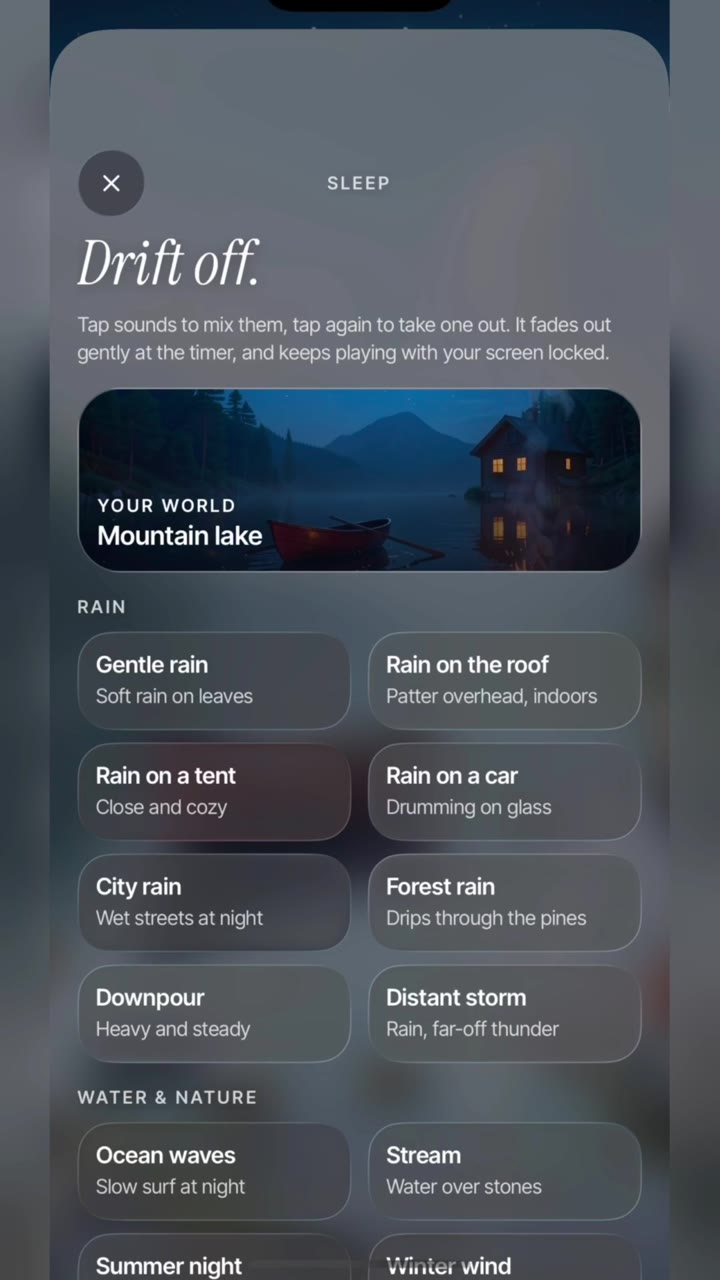
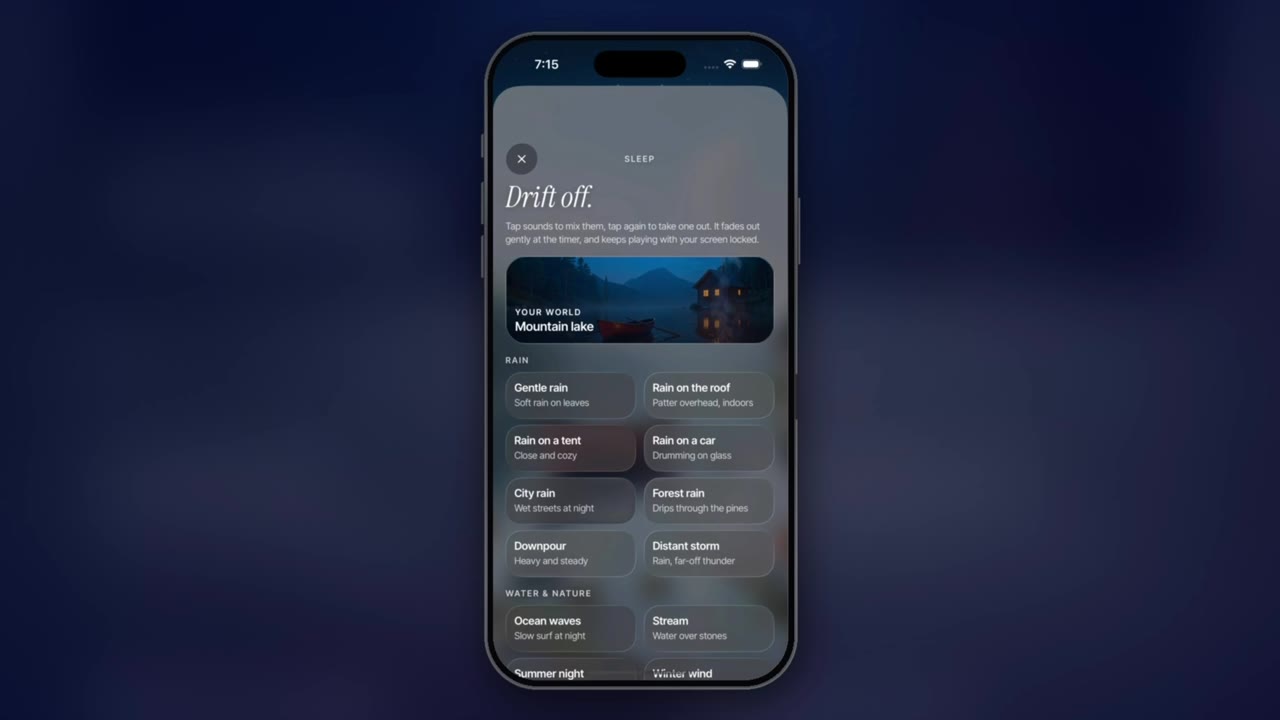 Sleep soundsAt night your painting turns to dusk. Mix sleep sounds over it and set a timer that fades them out.▶ Video · 0:18
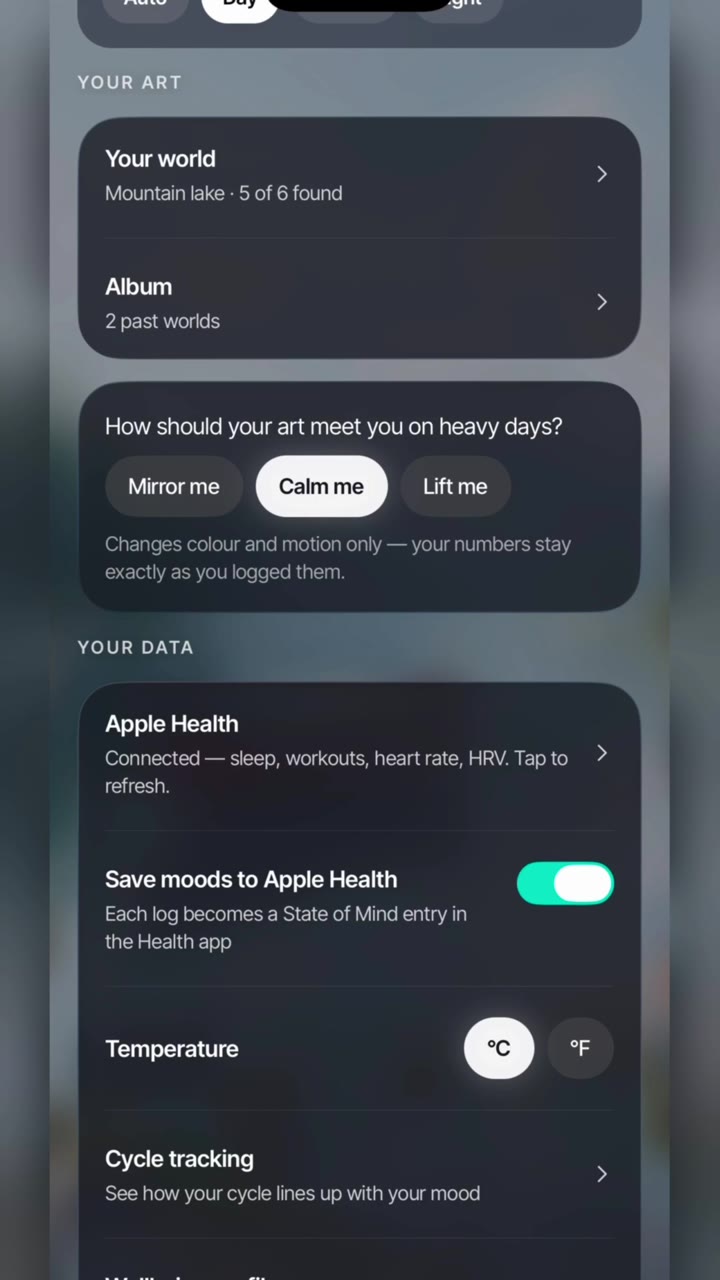
 SettingsSave moods to Apple Health, choose how your art meets you on heavy days, reminders, privacy and exporting your logs.▶ Video · 0:27
Paint your first day
MyMoodMapp is free to start on iPhone and on the web.