 MyMoodMapp
How to read your Mapp: your mood over time
Now, Rhythm, Month and Print: four ways to see your mood over time.
Quick answer: The Mapp tab is your mood over time. Now shows today's painting, and how it changes from morning light to night. Rhythm shows how your days usually go, with your low point and your best hours.
Chapters
Step by step
- The Mapp tab is your mood over time.
- Now shows today's painting, and how it changes from morning light to night.
- Rhythm shows how your days usually go, with your low point and your best hours.
- Month shows every day as its own little painting.
- And Print is your mood print. Every check-in is a ridge, in the colour of that day.
Common questions
How does MyMoodMapp show what affects my mood?
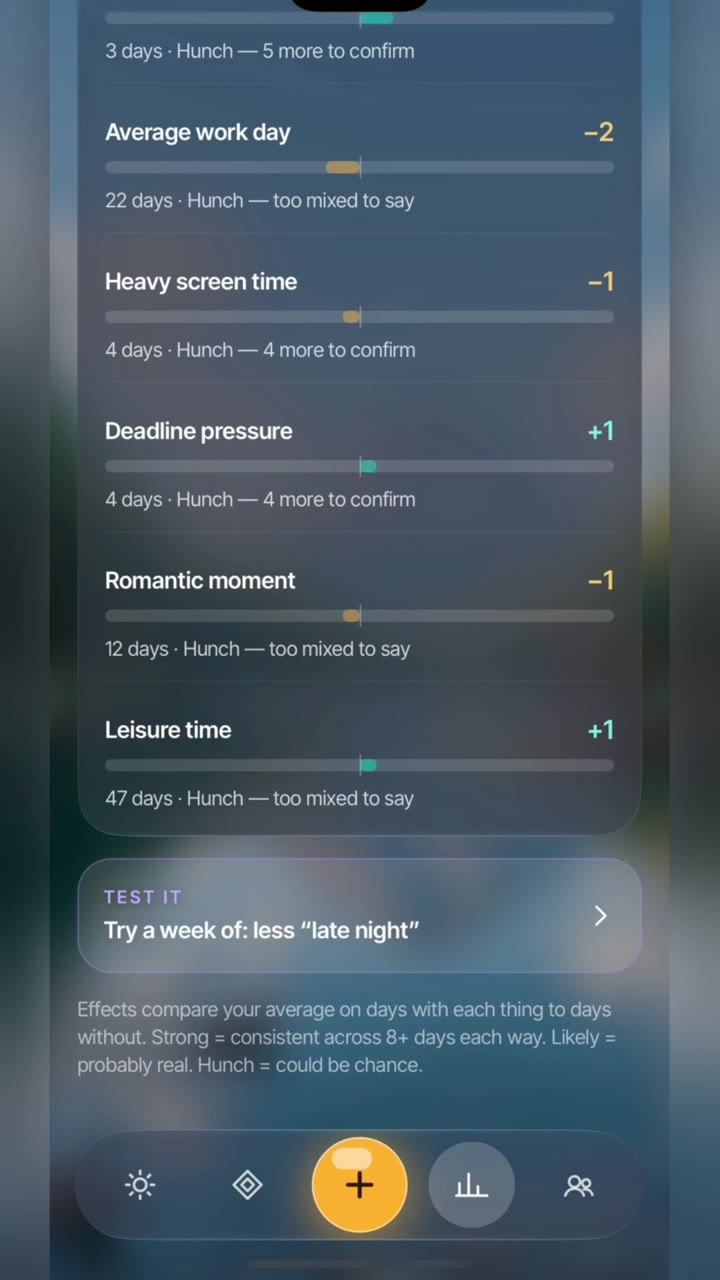
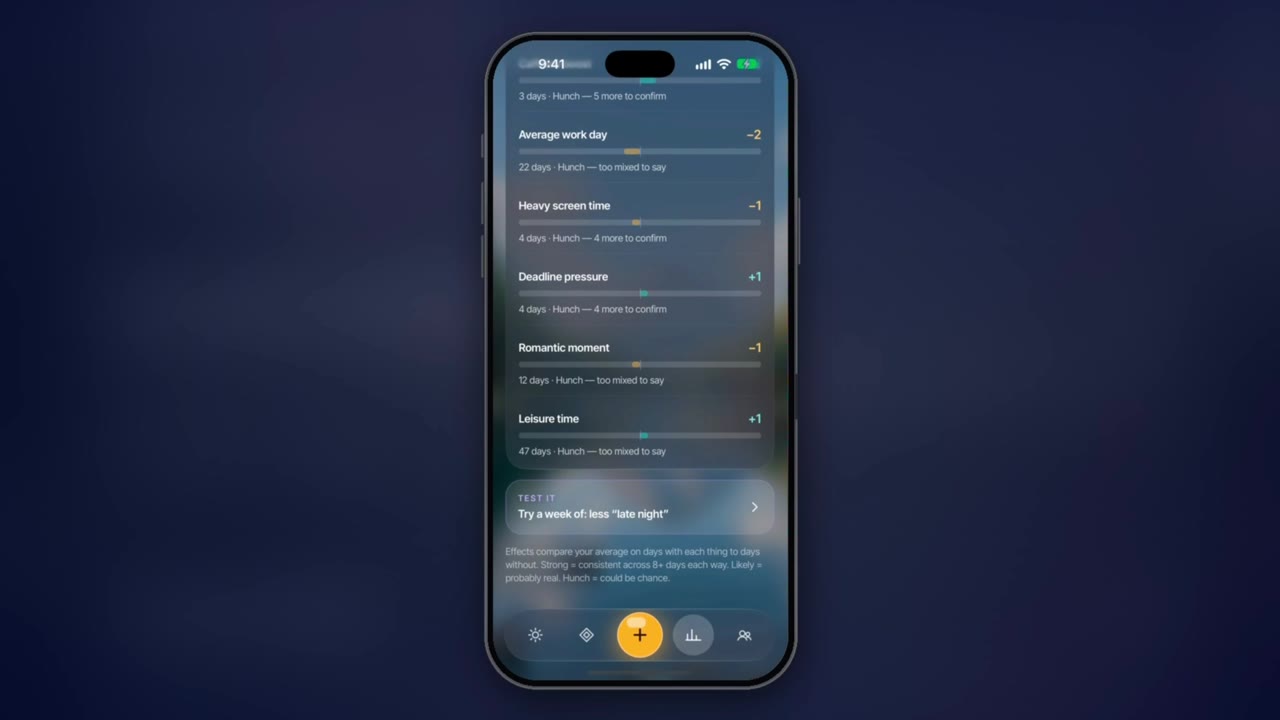
The Learn tab ranks the drivers behind your good and bad days from your own check-ins (and Apple Health, if you allow it), with how many days back each one up. You can test a change for a week and MyMoodMapp tells you if it made a difference.
Is my mood data private and secure?
Yes. All your data is encrypted in transit and at rest. We never sell or share your personal data with third parties. You can export or delete your data at any time from Settings. See our full Privacy Policy for details.
What does MyMoodMapp read from Apple Health or Health Connect?
Only what you allow: sleep, steps, workouts, active energy, resting and average heart rate, heart rate variability, mindful minutes, time in daylight, and period days if you turn on the cycle map. It is used only for your patterns inside the app. On iPhone, if you turn on Save moods to Apple Health in Settings, each check-in is also saved to the Health app as a State of Mind entry.
Related guides
Paint your first day
MyMoodMapp is free to start on iPhone and on the web.