 MyMoodMapp
How your MyMoodMapp world grows
What you tag decides what appears in your painted world, and every find stays put.
Quick answer: What you tag decides what appears in your world. Move your body, and a canoe might appear. Time with friends brings a campfire. Each new find stays put, so your world builds up over time.
Chapters
- 0:00Tags decide what appears
- 0:04A canoe, a campfire
- 0:10Finds stay put
- 0:15See everything you've found
- 0:20Start a new world
Step by step
- What you tag decides what appears in your world.
- Move your body, and a canoe might appear. Time with friends brings a campfire.
- Each new find stays put, so your world builds up over time.
- To see everything you've found, open your profile and tap Your world.
- When you're ready for a change, tap Start a new world. Your old one moves to your album.
Common questions
What is the painted world?
When you start, you answer two quick questions and pick a world, such as a mountain lake or a coast. Every check-in repaints it to show how you feel, and what you tag decides what appears: move your body and a canoe might appear, time with friends brings a campfire. Finds stay put, so your world builds up over time.
How is my painting made?
Each check-in repaints your world with an AI image model, using your scores, the tags you pick and the time of day. Things you have found stay in your world. We never send your name or email, and our providers do not train on your data.
Can I share it with family or a partner?
Yes. In a family, friends or couple circle everyone checks in on their own and you share one painted world. People see each other's weather, never scores, notes or tags. Couples can also share a sleep-sounds mix and fall asleep to the same sounds.
Related guides
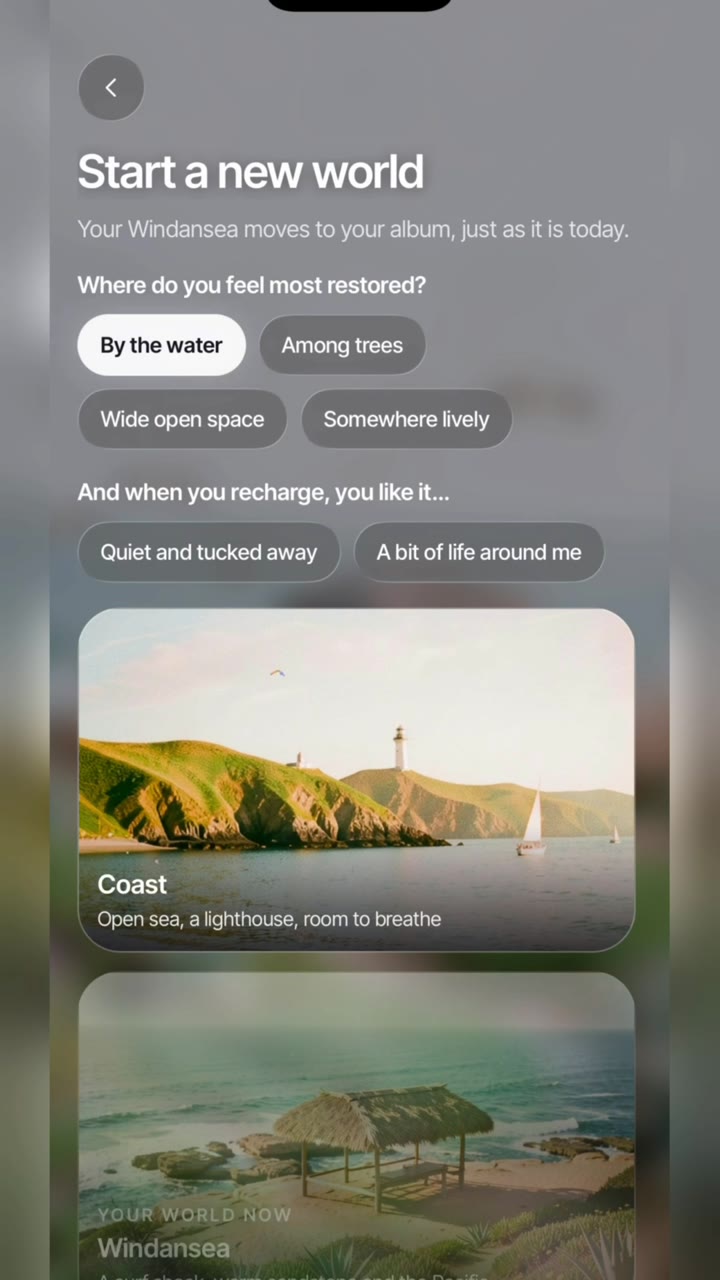
 Getting startedAnswer two quick questions, pick the world MyMoodMapp recommends, and watch it painted for you.▶ Video · 0:31
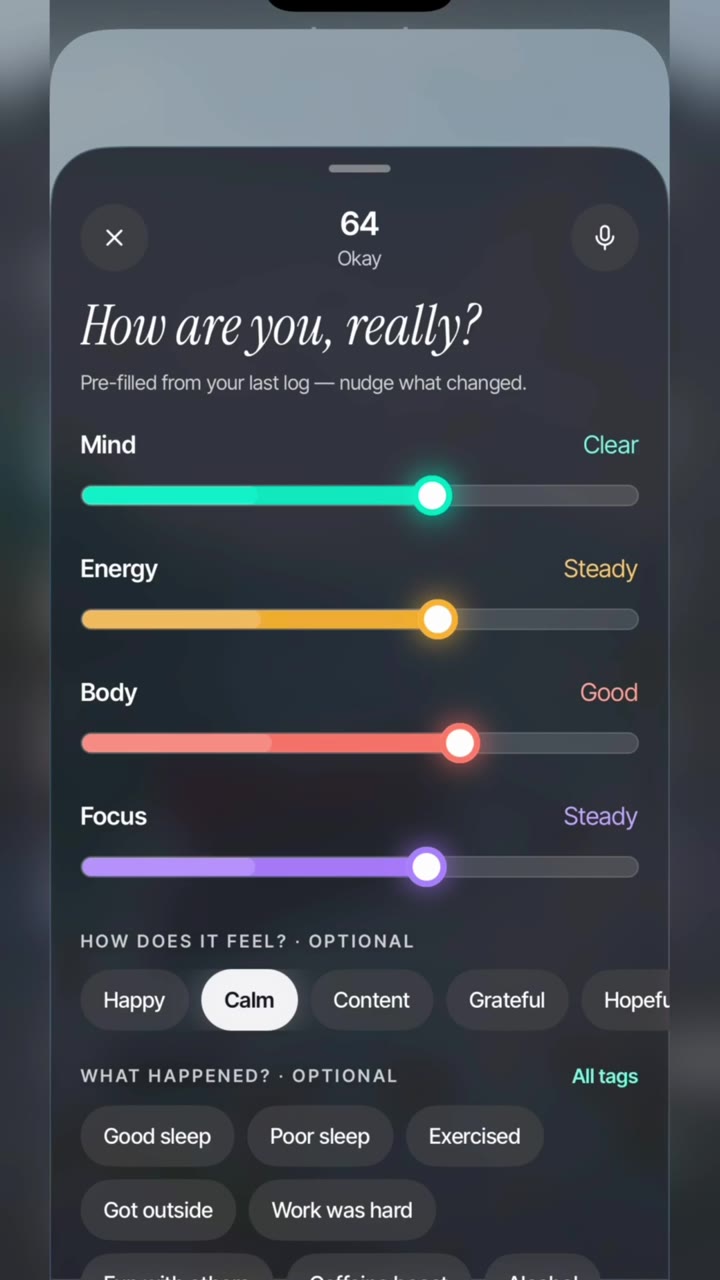
 Check inA check-in takes about three seconds: four sliders, a word, a tag if you like, then Paint today.▶ Video · 0:35
Paint your first day
MyMoodMapp is free to start on iPhone and on the web.