 MyMoodMapp
How to run a group check-in (for group leaders)
For support groups and their leaders with Therapist Pro: members check in before the session, and you see every answer first.
Quick answer: Group check-ins are for support groups and their leaders, with Therapist Pro. Tap Start, choose Group, and give it a name. Pick the questions members answer before each session.
Chapters
- 0:00For group leaders
- 0:05Start a group
- 0:10Pick the questions
- 0:14The group's shore
- 0:20Every answer, before the session
Step by step
- Group check-ins are for support groups and their leaders, with Therapist Pro.
- Tap Start, choose Group, and give it a name.
- Pick the questions members answer before each session.
- Members answer in a few taps, and the group's shore fills with a lantern for each person.
- Before the session, you see every answer, and who might need a check-in.
Common questions
Can a therapist or group leader use it?
Yes. A group leader can start a group, pick the check-in questions, and see everyone's answers before the session starts.
How do I connect with family, friends or my therapist?
Open the Circle tab. Share your code, or start a family, couple or group circle and send the invite. People in your circle see your weather in a shared world, never your scores, notes or tags. Therapists using Therapist Pro invite clients from their dashboard with a link. You choose exactly what your therapist sees under Settings.
What is the painted world?
When you start, you answer two quick questions and pick a world, such as a mountain lake or a coast. Every check-in repaints it to show how you feel, and what you tag decides what appears: move your body and a canoe might appear, time with friends brings a campfire. Finds stay put, so your world builds up over time.
Related guides
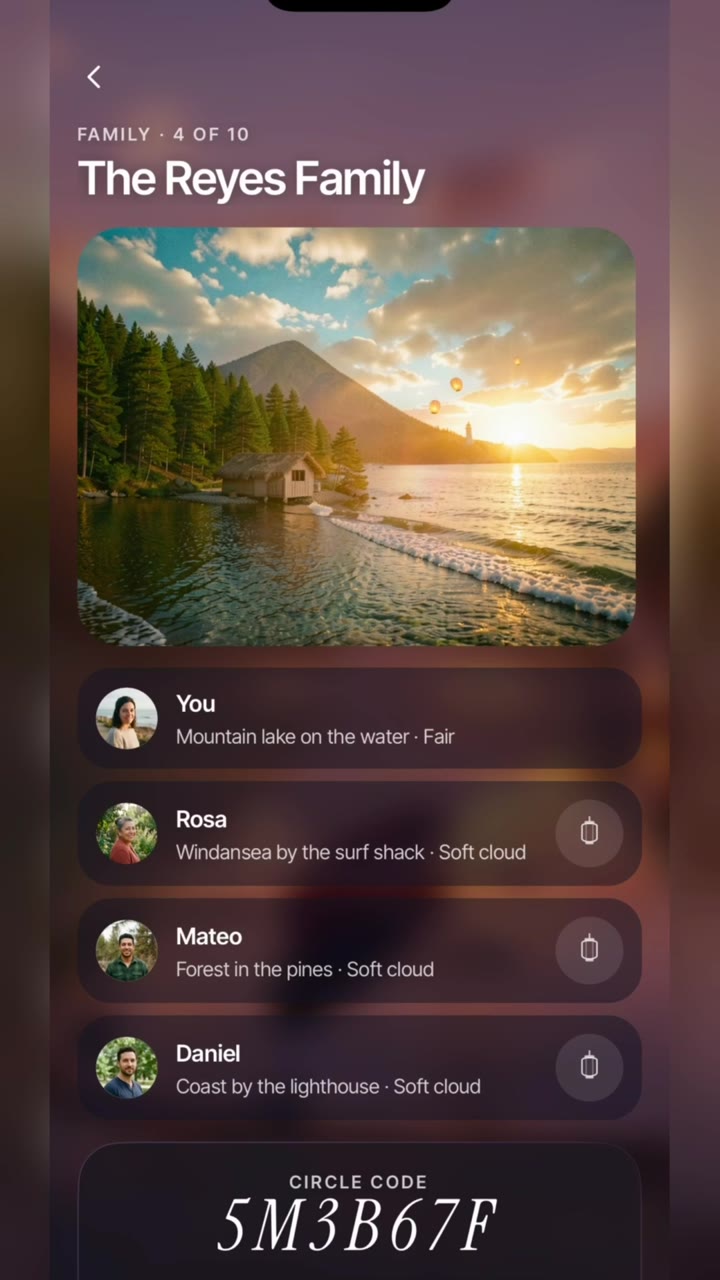
 Family and friends circlesSee how your people are in one shared painted world, without anyone sharing a number.▶ Video · 0:28
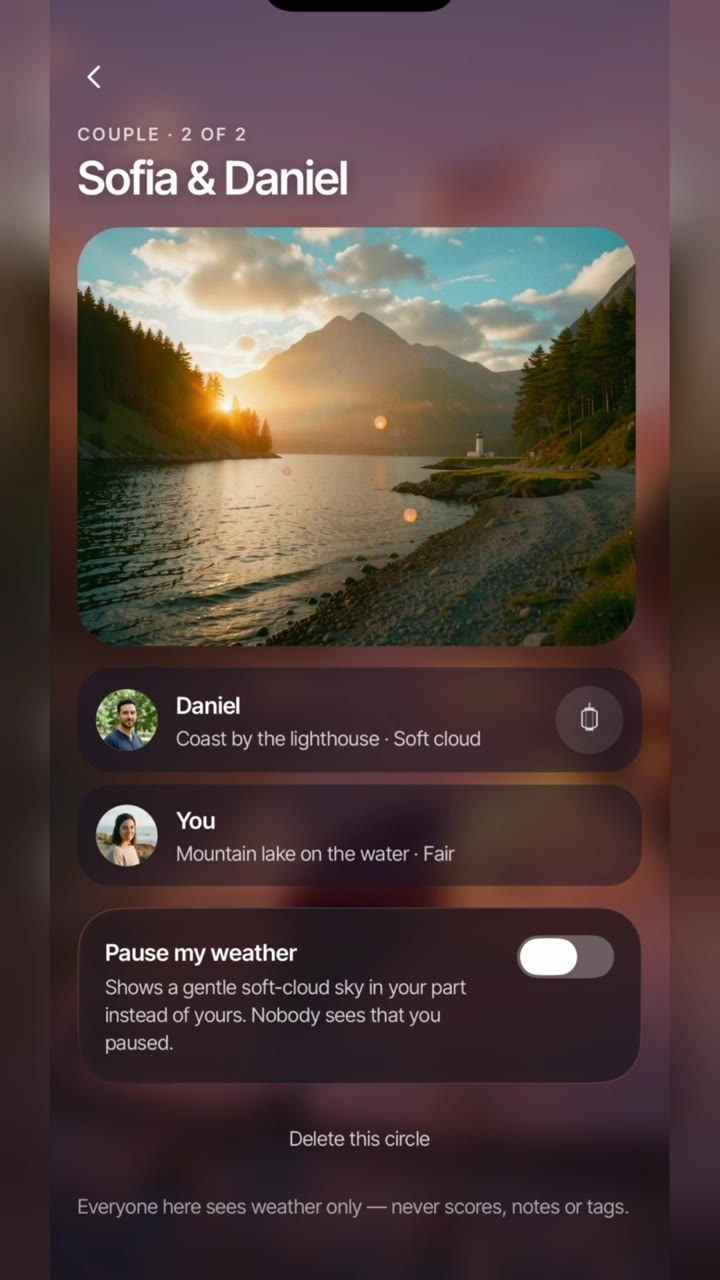
 CouplesA couple circle blends your two worlds into one place, and you can fall asleep to the same sounds.▶ Video · 0:21
Paint your first day
MyMoodMapp is free to start on iPhone and on the web.