 MyMoodMapp
How to check in on MyMoodMapp
A check-in takes about three seconds: four sliders, a word, a tag if you like, then Paint today.
Quick answer: Checking in takes about three seconds. Tap the plus button. The sliders start where you left off last time. Nudge mind, energy, body and focus to match today. Pick a word for how it feels, and tag what happened, if you like.
Chapters
- 0:00Tap plus
- 0:05The four sliders
- 0:13A word and a tag
- 0:17All tags
- 0:23Say it out loud
- 0:27Paint today
- 0:30Your world repaints
Step by step
- Checking in takes about three seconds. Tap the plus button.
- The sliders start where you left off last time. Nudge mind, energy, body and focus to match today.
- Pick a word for how it feels, and tag what happened, if you like.
- Tap All tags for more, like sleep, exercise or time with family.
- Rather talk? Tap the microphone and say it out loud instead.
- Then tap Paint today.
- Your world repaints to show how you feel today.
Common questions
How does a check-in work?
Tap the plus button, nudge four sliders (mind, energy, body and focus), pick a word for how it feels and, if you like, tag what happened. Or say it out loud instead. Then tap Paint today and your world repaints.
What is the painted world?
When you start, you answer two quick questions and pick a world, such as a mountain lake or a coast. Every check-in repaints it to show how you feel, and what you tag decides what appears: move your body and a canoe might appear, time with friends brings a campfire. Finds stay put, so your world builds up over time.
Who can see my check-ins?
Only you. In a family, couple or group circle, people see your weather in the shared world, never your scores, notes or tags.
Related guides
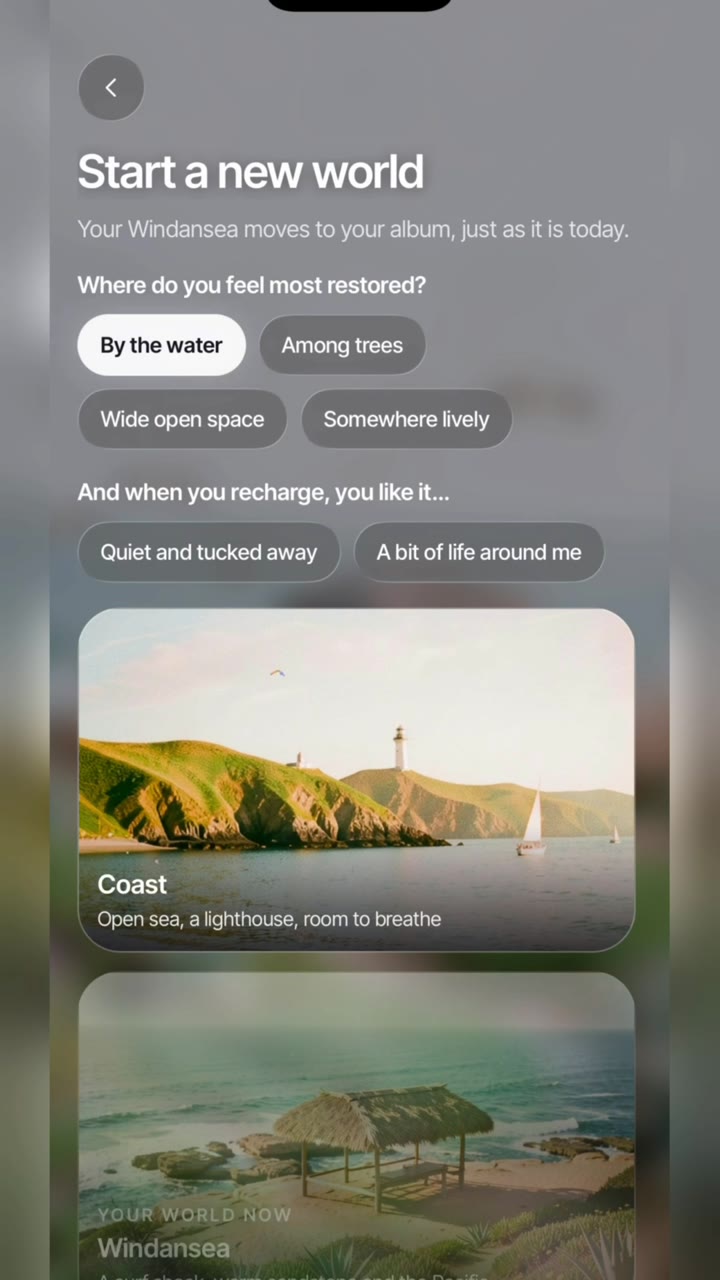
 Getting startedAnswer two quick questions, pick the world MyMoodMapp recommends, and watch it painted for you.▶ Video · 0:31
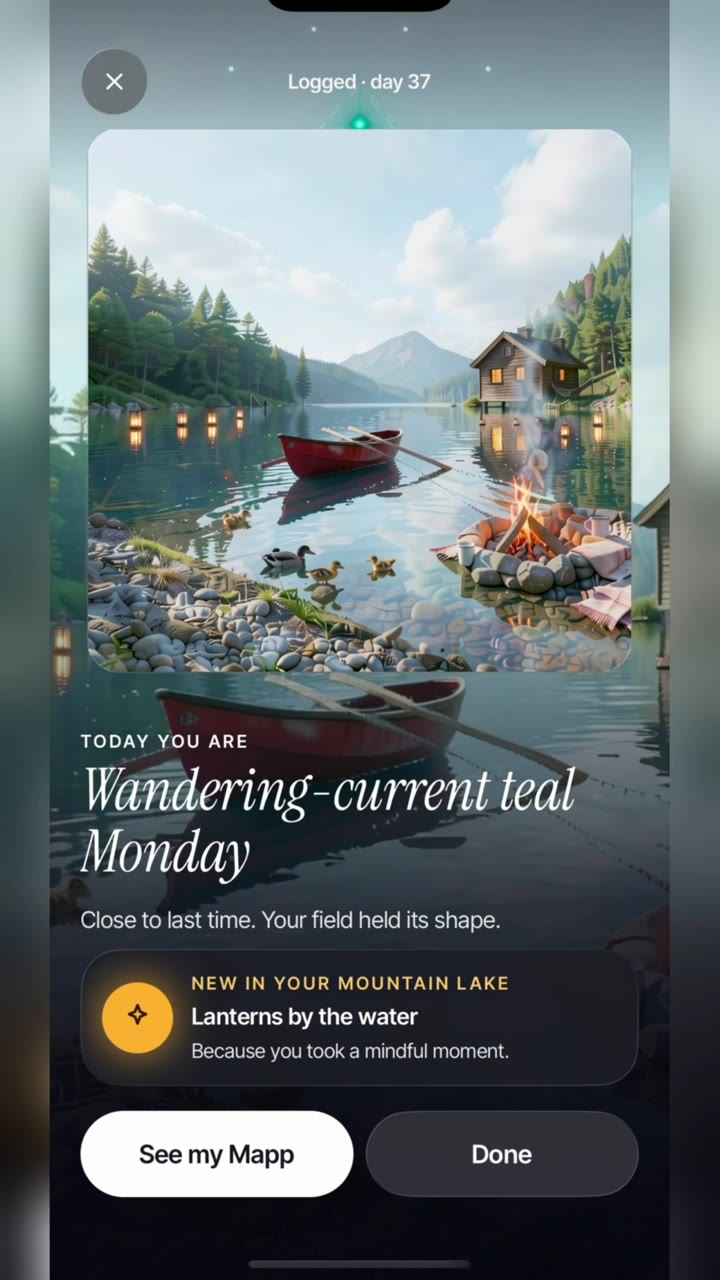
 Watch your world growWhat you tag decides what appears in your painted world, and every find stays put.▶ Video · 0:27
Paint your first day
MyMoodMapp is free to start on iPhone and on the web.